 HavenGuard
How HavenGuard works
One place for everything about your property in Nigeria: the people looking after it, what they did, what it cost, and the proof.
1. Add your properties
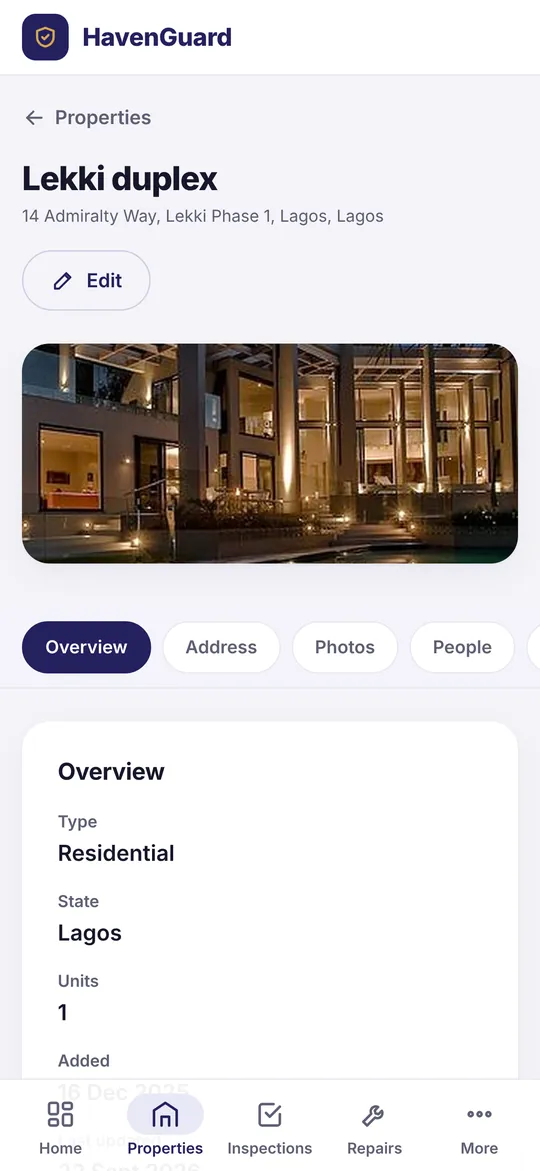
Add each house, flat or plot with its address, estate, area and state, its units, photos and an estimated value you can update over time. Upload the documents that prove ownership and the agreements with tenants.
2. Invite the people who look after it
Send an invitation by email. A property manager runs things day to day. An inspector visits and reports. A trusted contact, often a relative, reviews reports and can approve small repairs up to a limit you set. Each person sees only the properties and the things you allow.
3. Request inspections and get proof
Pick what to check (outside walls and roof, every room, plumbing, power, security, the compound) and the date. The inspector takes photos in the app; each is stamped with the time and GPS location. You accept the report or ask for a revisit, and the history is kept.
4. Approve repairs from anywhere
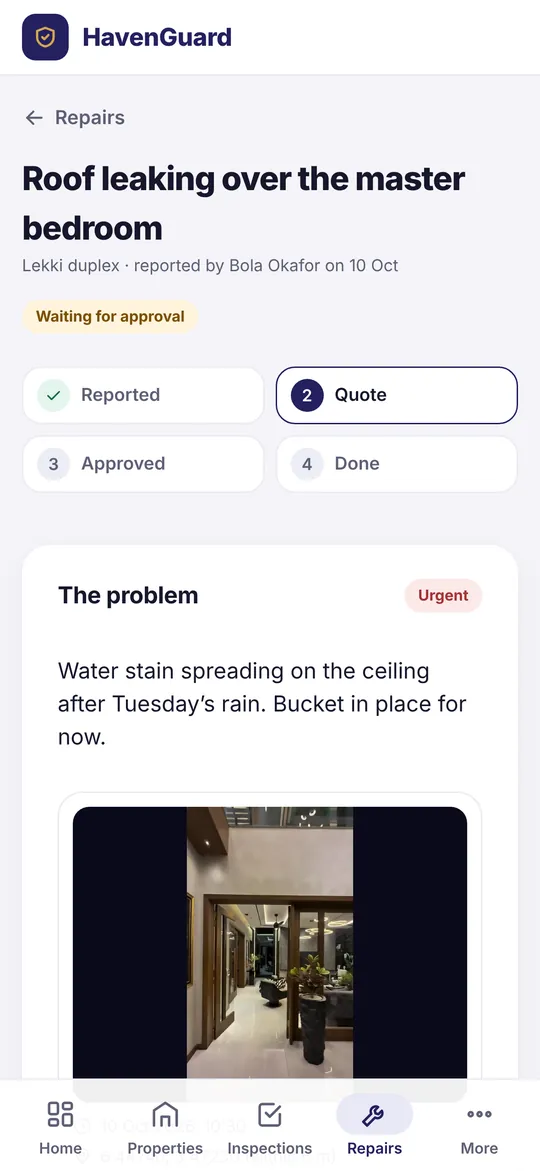
Problems come in with photos. Quotes are attached with the vendor’s written quote. You approve or decline, and the work is closed with photos of the finished job.
5. Keep the money straight
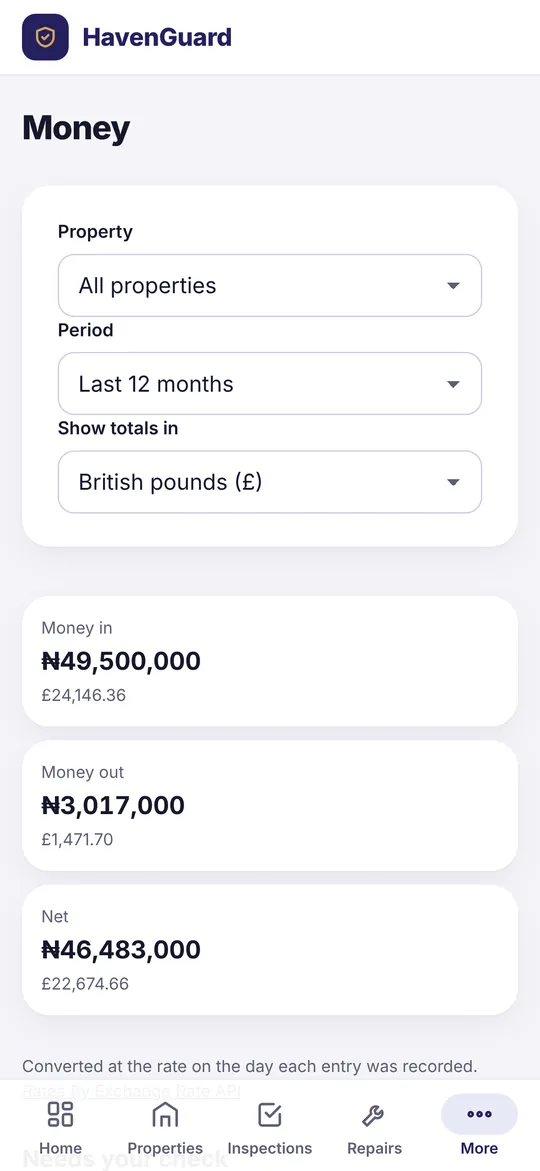
Record rent, service charges, bills and repairs in the currency they were paid in. HavenGuard keeps the exchange rate used and shows totals in naira, pounds, dollars, euros or Canadian dollars. Tenancies track rent due and what’s been paid.
HavenGuard doesn’t hold your money. Payments still go through your bank; HavenGuard keeps the record.
Start with one property, free.
Add your property, invite the people who look after it and request your first inspection today.